Accessibility-First Design: Why WCAG 2.2 Compliance Is a Business Advantage in 2026

Accessibility Is No Longer a Nice-to-Have
For years, digital accessibility was treated as a checkbox exercise — something companies addressed reactively after a complaint or audit, if they addressed it at all. That era is over. The European Accessibility Act (EAA) came into force in June 2025, the UK Equality Act is being enforced with increasing rigour against digital services, and WCAG 2.2 has become the de facto compliance standard. If your digital product is not accessible, you are now exposed to legal risk, losing revenue, and falling behind competitors who have already adapted.
As a UI UX design agency, we have seen the shift firsthand. Accessibility used to be the last item on the project checklist. Now it is the first conversation in the design kickoff. This article explains why that shift happened, what WCAG 2.2 actually requires, and how to turn compliance into a genuine business advantage rather than a cost centre.
The Legal Landscape in 2026
Three regulatory developments have changed the equation for UK businesses:
The European Accessibility Act (EAA)
Effective since June 2025, the EAA requires that digital products and services sold within the EU meet accessibility standards based on EN 301 549, which references WCAG 2.1 AA as the baseline. If your SaaS product, e-commerce platform, or digital service has EU customers, you are within scope — regardless of where your company is headquartered. Non-compliance carries fines that vary by member state, but the reputational damage of being publicly cited for accessibility failures is often the greater concern.
UK Equality Act Enforcement
The UK Equality Act 2010 already required reasonable adjustments for disabled users, but enforcement against digital services was historically rare. That has changed. The Equality and Human Rights Commission has increased its focus on digital accessibility, and private legal actions are rising. UK courts increasingly reference WCAG standards when determining what constitutes a reasonable adjustment. The legal risk of an inaccessible digital product in the UK is now material, not theoretical.
Public Sector Regulations
If you sell to the UK public sector, you already need to meet WCAG 2.1 AA under the Public Sector Bodies Accessibility Regulations 2018. WCAG 2.2 is rapidly becoming the expected standard for new procurement, and suppliers who cannot demonstrate compliance are being excluded from tender processes. If government contracts are part of your revenue, accessibility is a gatekeeper.
What WCAG 2.2 Actually Changed
WCAG 2.2, published in October 2023, added nine new success criteria to the existing WCAG 2.1 standard. Understanding these changes is essential for any UI design agency or product team that claims compliance. Here are the most impactful additions:
Focus Not Obscured (Minimum) — AA
When a user navigates with a keyboard, the focused element must not be entirely hidden behind other content — sticky headers, cookie banners, or floating action buttons. This sounds obvious, but a surprising number of production websites fail this criterion because their sticky navigation covers the focused element when tabbing through the page. The fix requires careful z-index management and scroll-margin calculations in CSS.
Dragging Movements — AA
Any functionality that uses dragging (drag-and-drop interfaces, sliders, sortable lists) must have a non-dragging alternative. Users with motor impairments, tremors, or those using assistive devices cannot perform precise drag operations. Your Kanban board needs to work with click-based controls, not just drag-and-drop. Your slider needs to accept direct numeric input, not just thumb dragging.
Target Size (Minimum) — AA
Interactive targets must be at least 24x24 CSS pixels, or have sufficient spacing from adjacent targets. This criterion formalises what good mobile design has always known — small tap targets cause errors and frustration. But it applies to all devices, not just mobile. Inline text links, icon buttons, and form controls all need to meet this minimum.
Consistent Help — A
If your site provides help mechanisms (contact information, chat widgets, FAQ links), they must appear in the same relative location on every page. Users who rely on these mechanisms — particularly users with cognitive disabilities — need to be able to find help without searching for it on each new page.
Redundant Entry — A
If a user has already entered information in a process, that information must be auto-populated or available for selection in subsequent steps. Multi-step forms that ask users to re-enter their address, email, or other data they have already provided fail this criterion. For users with cognitive or motor disabilities, redundant data entry is not just annoying — it is a barrier.
The Business Case Beyond Compliance
Legal compliance is the floor. The real argument for accessibility-first design is commercial.
Market Size
In the UK, 24% of the population — roughly 16 million people — report a disability. Their combined spending power exceeds £274 billion annually, a figure the Department for Work and Pensions calls the "purple pound." Globally, over one billion people live with a disability. An inaccessible product excludes a quarter of your potential market. No business would intentionally ignore 24% of their addressable audience, yet that is exactly what an inaccessible product does.
SEO Performance
Accessibility and SEO share significant overlap. Proper heading hierarchy, descriptive alt text, semantic HTML, clean link text, fast load times, and mobile usability are all accessibility requirements that directly improve search rankings. Sites that invest in accessibility consistently outperform competitors in organic search — not because Google rewards accessibility explicitly, but because the underlying practices that make a site accessible also make it easier for search engines to understand, index, and rank.
Conversion Rate Improvement
Accessible design is clearer design. Larger tap targets reduce misclicks. Better colour contrast improves readability in all lighting conditions, not just for users with visual impairments. Keyboard navigability benefits power users who prefer keyboard shortcuts. Clearer form validation reduces abandonment. The improvements you make for accessibility benefit every user, and the measurable impact on conversion rates typically ranges from 10% to 30% depending on the baseline.
Brand Reputation
Companies that demonstrably invest in accessibility build stronger brand loyalty among all customers, not just those with disabilities. Accessibility signals that a company cares about inclusion, quality, and attention to detail. In competitive markets where product features are similar, brand perception is a differentiator — and accessibility is increasingly part of that perception.
How We Build Accessibility from Day One
At our UI UX design agency, accessibility is not a separate workstream — it is embedded in every phase of the design process. Here is how:
Design Phase
- Colour system: Every colour pairing in our design tokens is tested against WCAG AA contrast ratios (4.5:1 for normal text, 3:1 for large text) before it enters the design system. We use tooling integrated directly into Figma to flag contrast failures in real time.
- Component design: Every interactive component is designed with visible focus states, sufficient target sizes, and clear state indicators that do not rely solely on colour. A button with an error state uses an icon and text change in addition to a colour shift.
- Content structure: We define heading hierarchy, landmark regions, and reading order during wireframing — not as an afterthought during development.
Development Phase
- Semantic HTML: Every component uses the correct HTML element for its purpose — buttons for actions, links for navigation, headings in order, lists for lists. This single practice resolves a majority of screen reader issues.
- ARIA when necessary: We use ARIA attributes only when native HTML semantics are insufficient — for custom components like tabs, accordions, and modals. Incorrect ARIA is worse than no ARIA, so we follow the first rule of ARIA: do not use ARIA if a native element exists.
- Keyboard testing: Every interactive flow is tested with keyboard-only navigation before it passes code review. If you cannot complete the flow without a mouse, it does not ship.
Testing Phase
- Automated scanning: We run axe-core and Lighthouse accessibility audits in CI/CD — every pull request is checked automatically. This catches approximately 30-40% of accessibility issues.
- Manual testing: The remaining 60-70% of issues require manual testing — screen reader testing with VoiceOver and NVDA, keyboard navigation testing, zoom testing at 200% and 400%, and reduced motion testing.
- User testing with disabled users: For critical products, we include participants with disabilities in our usability testing sessions. Automated tools and manual review cannot replicate the experience of someone who uses a screen reader daily navigating your product for the first time.
Accessibility Checklist for Business Decision-Makers
If you are responsible for a digital product and want to understand your current exposure, start here:
- Run a free automated scan using the WAVE browser extension or axe DevTools. This gives you a baseline — but remember that automated tools only catch a fraction of real issues.
- Try navigating your product using only a keyboard. Can you reach every interactive element? Can you see where focus is? Can you complete core tasks?
- Check your colour contrast ratios. Use a tool like Colour Contrast Analyser to verify that your text meets WCAG AA minimums.
- Review your forms. Do they have visible labels? Do error messages identify the problem and suggest a fix? Can you complete a multi-step process without re-entering data?
- Test on mobile at 200% zoom. Does content reflow correctly? Are tap targets large enough? Does anything overflow or become hidden?
If your product fails any of these basic checks, you have accessibility gaps that represent both legal risk and lost revenue. Book a free accessibility audit with our team. We will assess your current compliance level, identify the highest-priority issues, and give you a clear remediation roadmap — whether you work with us or not.
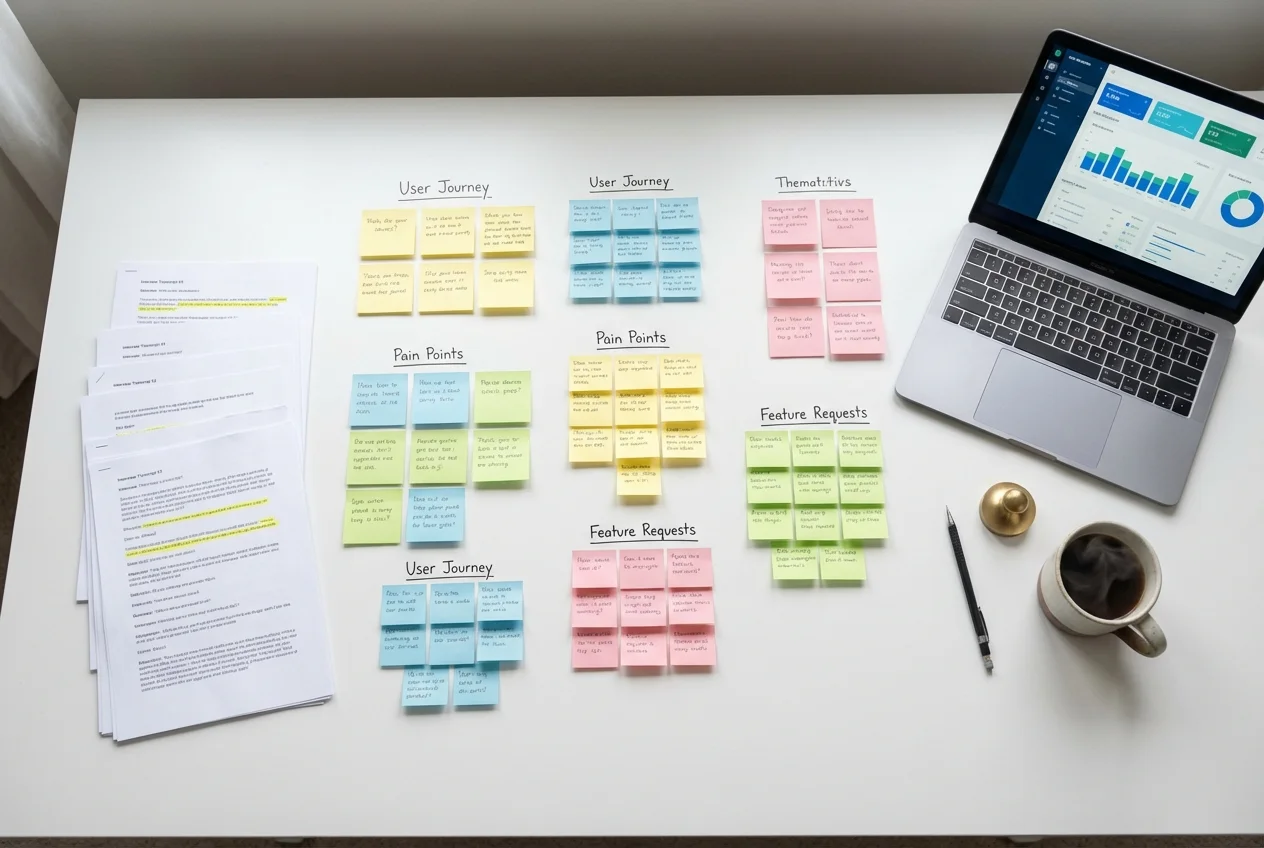 UX Research
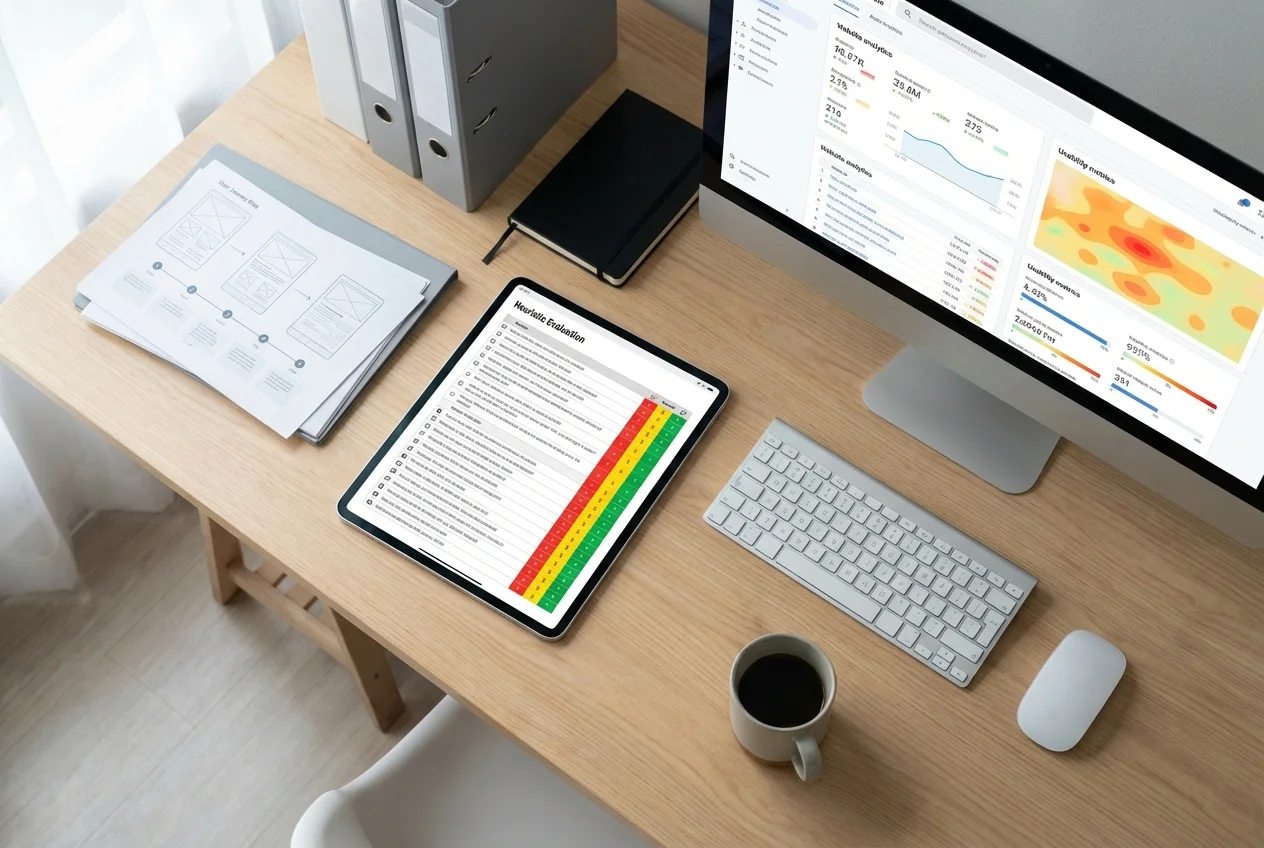 UX Audit
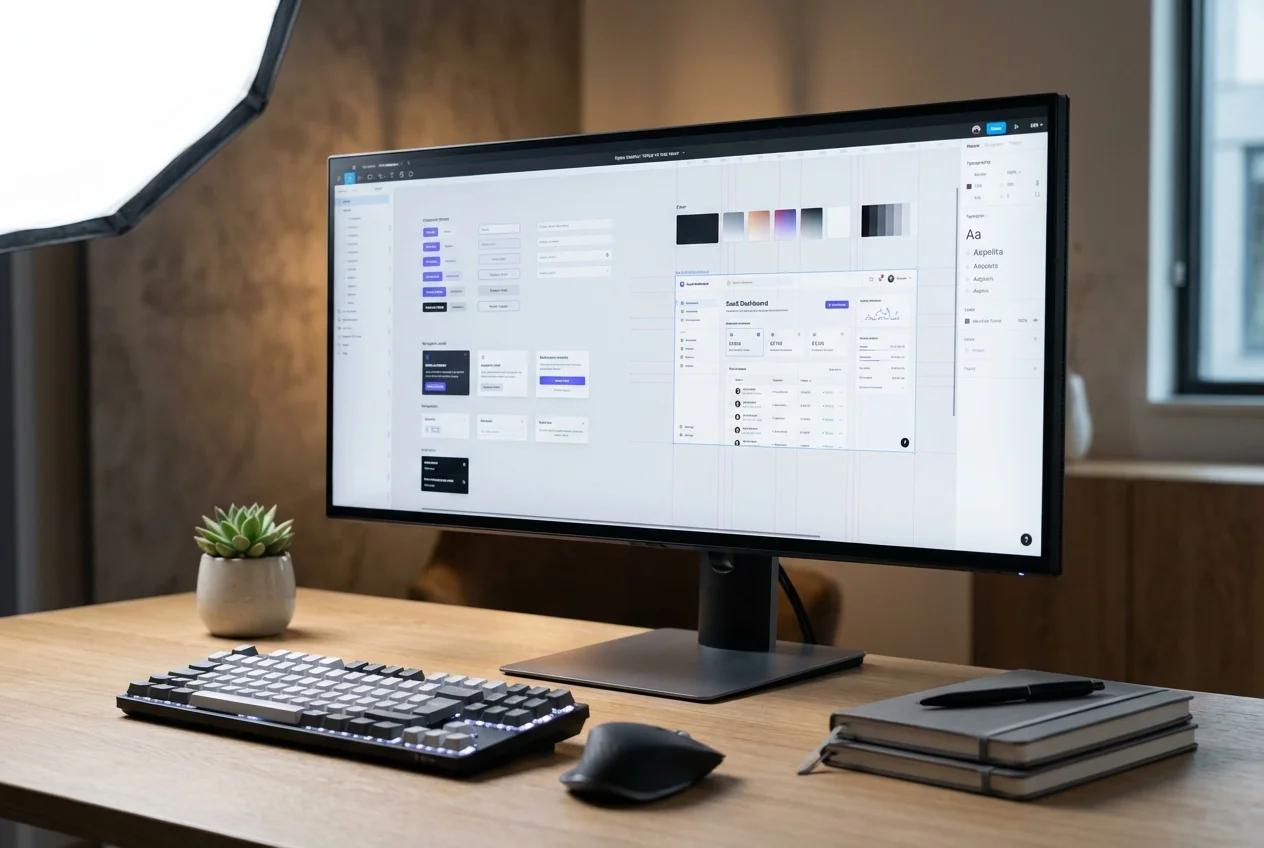 UI Design